Episode 4: How Data Flows Through the System (From Trigger to Outcome)
Let's talk about one of the most common questions new NetSuite developers ask (out loud or silently): "Okay... so what actually happens when something runs?"
If you've ever stared at a complex NetSuite codebase wondering how data moves from trigger to outcome, you're not alone. Understanding data flows is the difference between developers who guess and developers who architect with confidence.
Every Data Flow Starts With a Trigger
Nothing in NetSuite runs magically. Every data flow begins with a trigger: the entry point into your codebase.
Common trigger types you'll encounter:
- User clicks a button (Client Script)
- Record creation or update (User Event)
- External system calls (RESTlet)
- Scheduled or Map/Reduce script execution
Here's the key insight: triggers are doors, not decision-makers. Their job is straightforward: collect input, perform minimal validation, hand off responsibility.
When triggers start making business decisions, that's your first code smell.

From Trigger to Intent: Keep Controllers Thin
After the trigger fires, data flows into a controller-like layer. This layer serves as the translator between NetSuite context and your business logic.
What controllers should do:
- Translate NetSuite context into usable format
- Normalize inputs
- Decide which use case to call—not how things should work
Think of controllers as saying: "I understand NetSuite, so the rest of the system doesn't have to."
No business rules here. No record gymnastics. No external API calls. Just orchestration.
Use Cases: Where Business Rules Live
This layer is where data flows get interesting. Use cases answer one critical question: "What should happen?"
They deliberately ignore:
- How NetSuite stores data
- Which fields have internal IDs
- How many governance units operations cost
What use cases contain:
| Component | Purpose |
|---|---|
| Business rules | Define what makes operations valid |
| Domain validations | Check correctness based on business requirements |
| Decision logic | Determine appropriate actions |
This is the most stable part of your system. NetSuite may change. APIs may change. Business intent rarely does.
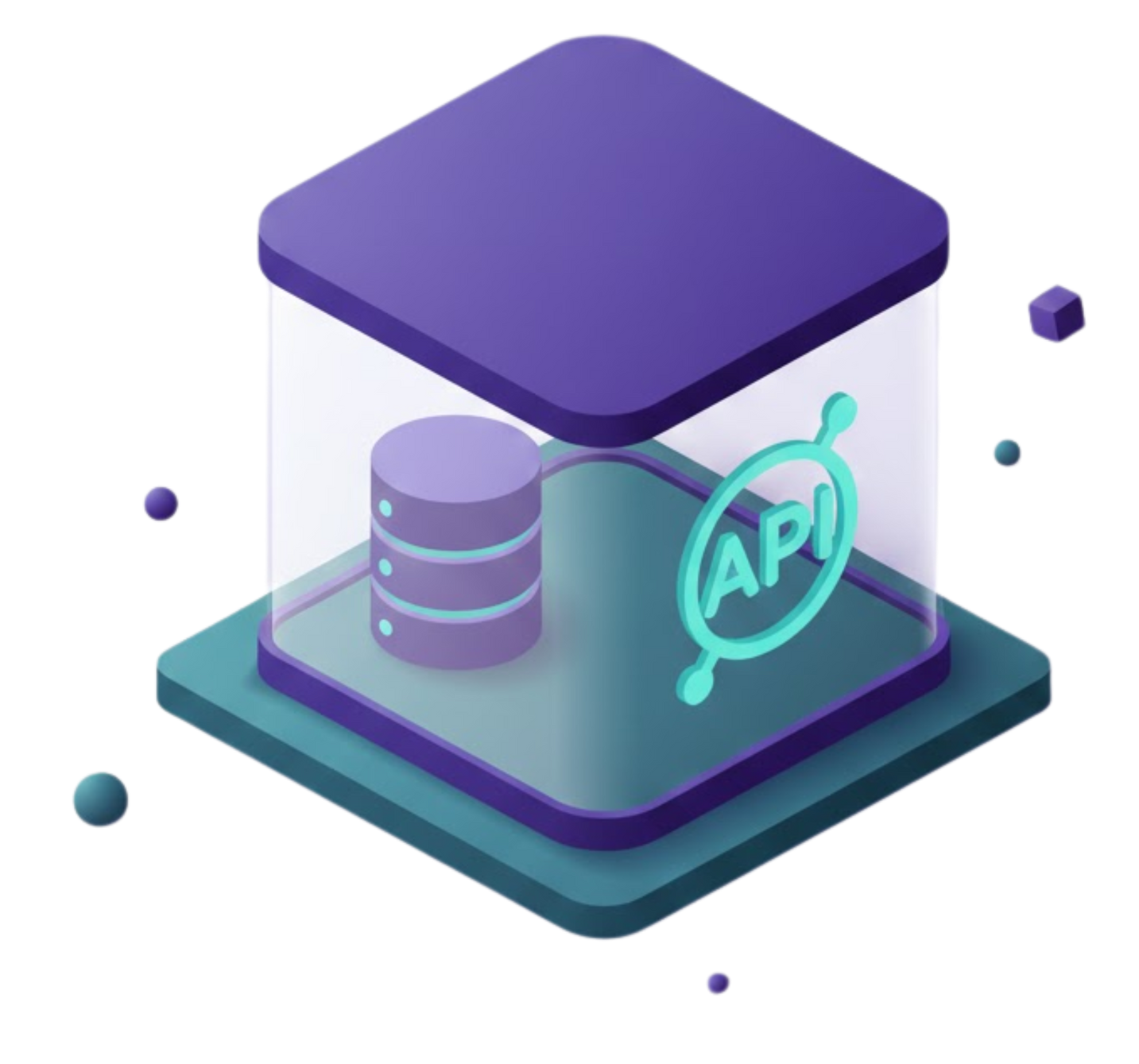
Gateways: Where the Mess Is Contained
Eventually, use cases need to interact with NetSuite or external systems. That's where gateways handle the technical details.
Gateway responsibilities:
- Execute NetSuite API calls
- Manage SuiteQL queries and record operations
- Handle external service communication
Gateways know how to do things. They don't decide if things should happen. This separation keeps technical complexity contained and your data flows predictable.
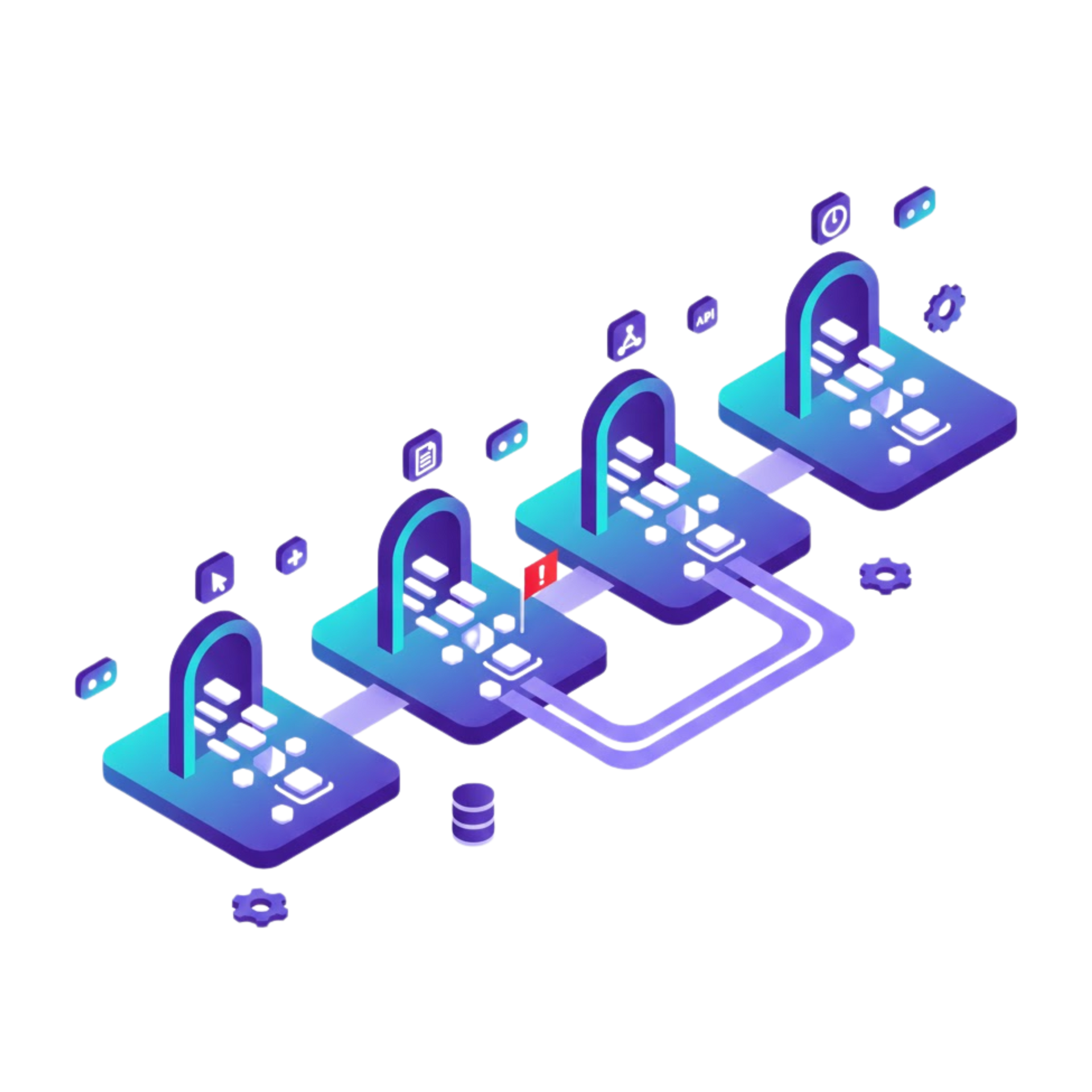
The Complete Data Flow Pattern
Here's how properly structured data flows move through NetSuite systems:
| Steps | Layers | Responsobility |
|---|---|---|
| 1 | Trigger | Fire event (Client Script/UE/RESTlet) |
| 2 | Controller | Prepare and normalize request |
| 3 | Use Case | Execute business logic |
| 4 | Gateway | Perform NetSuite/external operations |
| 5 | Response | Return result back up the stack |
Each layer has one responsibility. Each layer trusts the next. This creates predictable, maintainable data flows.
Common Data Flow Anti-Patterns
We've seen these patterns derail too many NetSuite projects:
Business logic inside User Events "because it worked." This creates tangled data flows that become impossible to test or modify.
Client Scripts validating server-side rules. This duplicates logic and creates inconsistent data flows across different entry points.
RESTlets handling everything. When one script manages input validation, business decisions, NetSuite calls, and error formatting, your data flows become unmaintainable.
If you're unsure where something belongs in your data flows, that's a good sign. Ask early. The architecture exists to guide you.

Why Proper Data Flows Matter
Understanding and implementing clean data flows delivers tangible benefits:
- Predictability: Developers can reason about behavior, not just code
- Reduced side effects: Changes in one area don't mysteriously break another
- Saner testing: Each layer can be tested independently
- Easier refactoring: Clear boundaries make improvements safer
- Prevents disasters: "Just one more condition" doesn't compound into chaos
Most importantly, proper data flows let teams scale. New developers onboard faster when they can follow clear patterns for how data moves through the system.
Ready to Optimize Your NetSuite Data Flows?
At ATSOURCE, we help NetSuite development teams implement architectural patterns that create predictable, maintainable data flows. Our consultants bring proven experience organizing complex NetSuite systems so your team can work with confidence rather than confusion.
Let's talk about how we can help your team establish data flow patterns that scale. Contact ATSOURCE to schedule a consultation.

Meet the Author
Jona has over a decade of experience in SuiteCloud Development on the NetSuite platform. She specializes in implementing advanced solutions and has led teams in creating high-quality software. Jona holds multiple certifications and has been recognized with awards like the Summit Award and Quality Champion Award.
Tags
Accelerate ERP Success with Expert Solutions
Ready to put what you've learned into practice? ATSOURCE delivers both the specialized talent and comprehensive NetSuite support you need to turn strategy into results.Connect with our experts today and move from planning to performance.