Episode 2: Environment Setup — Now That You Actually Know What You’re Building

Picture this: Your new NetSuite developer spends their first three days troubleshooting SuiteCloud CLI errors, hunting down missing .env variables, and trying to figure out which Node version won't randomly break everything.
Sound familiar? It shouldn't have to be this way.
Environment setup determines whether your team starts contributing on Day 1 or loses a week to configuration chaos. Now that the engineer understands the functional goal, the next step is enabling them to actually run the project. Let's talk about how to eliminate setup friction and focus developer energy where it belongs—on understanding architecture and solving business problems.
If onboarding is a road trip, this is where we hand them the keys and make sure the car starts.
Why Environment Setup Matters More Than You Think
Poor environment setup creates a cascade of problems that compound over time:
Technical Issues:
- Inconsistent builds across developer machines
- "Works on my machine" syndrome
- Random authentication failures
- PR conflicts caused by formatting differences
Team Impact:
- Lost productivity on setup troubleshooting
- Reduced confidence in new developers
- Knowledge gaps that persist for weeks
- Delayed first contributions

Good environment setup removes accidental complexity. When setup is clean and consistent, developers spend cognitive energy on learning your codebase, not debugging why SuiteCloud suddenly stopped working.
Common Environment Setup Pitfalls
| Problem | Impact | Prevention |
|---|---|---|
| Unclear tool versions | Build failures, CLI errors | Document exact versions (Node, npm, SuiteCloud CLI) |
| Missing credentials | Authentication loops | Provide sanitized profile templates |
| Undocumented commands | Wasted time, broken deploys | Create clear npm script reference |
| No standard structure | Inconsistent code, hard reviews | Share templates for common patterns |
The ATSOURCE Approach to Environment Setup
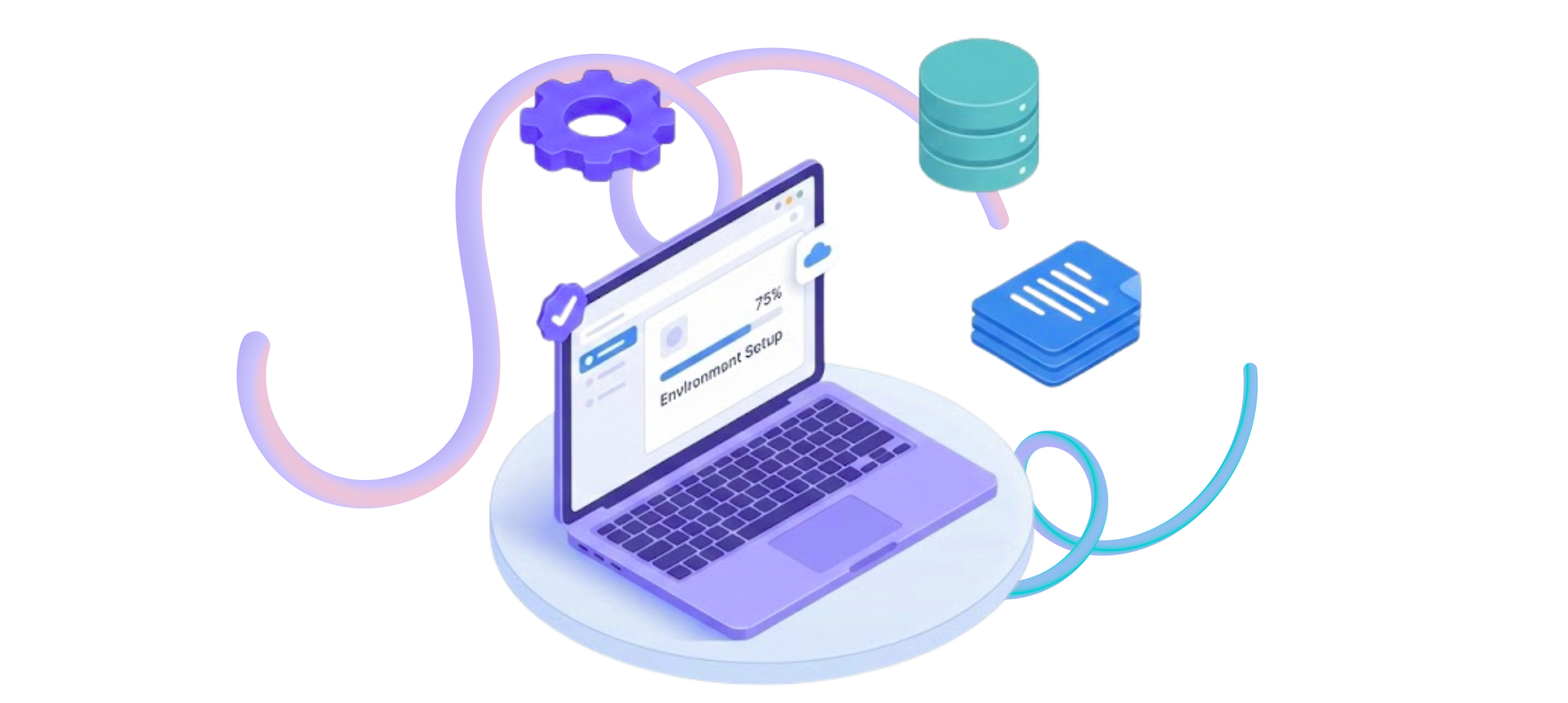
We've refined environment setup into a systematic process that gets developers productive fast. Here's how we do it.
1. Repository Access and Branch Strategy
Start with clarity, not confusion:
- Specific repo for their work (not the entire codebase)
- Clear branch naming conventions
- Documented merge strategy
- Release tagging explanation
2. Exact Tooling Specifications
No guessing games about versions:
- Node: Exact version number
- npm: Exact version number
- SuiteCloud CLI: Specific version that works
- VS Code extensions: Prettier, ESLint, NetSuite extension
- Global tools: npx, ts-node, testing frameworks
This prevents the classic
"why does it work on your machine" scenario.
3. SuiteCloud CLI Configuration
We provide pre-configured profile templates with:
- Account credentials (securely shared)
- Role ID settings
- Account customization references
- Scripts that automate setup
Most importantly? Clear guidance on which environment to deploy to. Nobody wants to accidentally push to production on Day 2.
4. Environment Variables Done Right
Developers receive structured .env files with:
None
API_URL=
NETSUITE_ROLE=
COMPANY_ID=
TOKEN_ID=
TOKEN_SECRET=
Plus documentation explaining:
- Which variables are developer-specific
- Which must match server configuration
- Which must never be committed (and why)
5. Project Commands Reference
Clear documentation of key npm scripts:
Daily Use:
- npm run build - Compile TypeScript
- npm run watch - Development mode
- npm run deploy - Push to NetSuite
Pre-PR Requirements:
- npm run lint - Check code standards
- npm run test - Run test suite
- npm run format - Apply consistent formatting
Understanding which commands to use eliminates guesswork.
6. First Deploy with Guidance
The first deployment is always the scariest. We pair with new developers to:
- Walk through the deploy process
- Verify results in NetSuite
- Interpret SuiteCloud CLI logs
- Troubleshoot common errors
After one successful deployment, confidence skyrockets.
From Setup to Contribution
Environment setup isn't a checkbox exercise. It's the foundation that determines whether developers spend their first week configuring tools or contributing value.
When setup is clean, automated, and well-documented, new team members focus on learning architecture and solving business logic—exactly where their energy should go.
Let's talk about how ATSOURCE can help you streamline your NetSuite development environment setup. Our team specializes in creating onboarding systems that eliminate Day 1 friction and accelerate time-to-contribution for NetSuite development teams.

Meet the Author
Jona has over a decade of experience in SuiteCloud Development on the NetSuite platform. She specializes in implementing advanced solutions and has led teams in creating high-quality software. Jona holds multiple certifications and has been recognized with awards like the Summit Award and Quality Champion Award.
Tags
Accelerate ERP Success with Expert Solutions
Ready to put what you've learned into practice? ATSOURCE delivers both the specialized talent and comprehensive NetSuite support you need to turn strategy into results.Connect with our experts today and move from planning to performance.