Episode 1: NetSuite Requirements: Why the Ticket Is Never the Full Story

Jona Obrador • April 21, 2026

You get a ticket. It has a title, a short description, maybe a few acceptance criteria. It looks straightforward.


So you implement exactly what's written, submit your PR, and then — "This isn't what we expected." "This doesn't handle X case." "This breaks Y flow."


And you're sitting there thinking: But I followed the ticket.

The Problem With Taking Tickets at Face Value
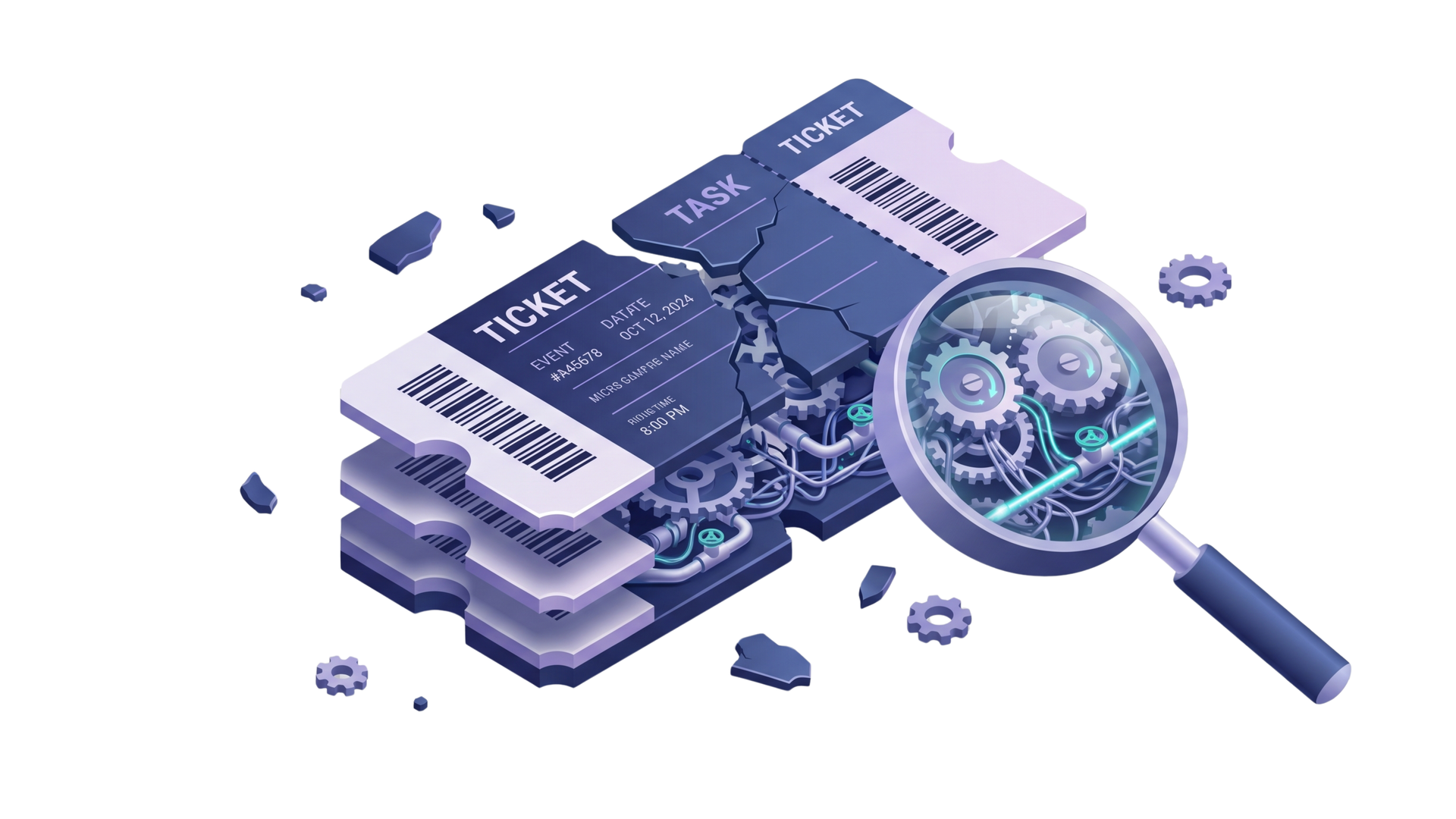
Magnifying glass over a blue 3D AI chip with digital gears and data blocks

Here's the reality that experience teaches you quickly: tickets are summaries, not truth.


They're simplified, often incomplete, and sometimes outdated by the time they reach you. They reflect someone's understanding of a problem at a specific point in time — not the full picture of what the system needs.


There's always a gap between:

  • What's written in the ticket
  • What the business actually needs
  • What the system currently does


Bridging that gap is the real job.

Here's the reality that experience teaches you quickly: tickets are summaries, not truth.


They're simplified, often incomplete, and sometimes outdated by the time they reach you. They reflect someone's understanding of a problem at a specific point in time — not the full picture of what the system needs.

Magnifying glass over a blue 3D AI chip with digital gears and data blocks

There's always a gap between:

  • What's written in the ticket
  • What the business actually needs
  • What the system currently does


Bridging that gap is the real job.

A Scenario Most NetSuite Developers Will Recognize

Isometric laptop on cloud-themed digital workspace with charts, app icons, and tech devices in purple tones

Consider a ticket that reads: "Auto-populate field X when record is created."


Sounds simple. You add the logic in a User Event beforeSubmit. Done.


But then the questions start:

  • What about edits — should the field update then too?
  • What about imports or integrations that create records?
  • What if field X already has a value?
  • Which other scripts touch this record type?

Consider a ticket that reads: "Auto-populate field X when record is created."


Sounds simple. You add the logic in a User Event beforeSubmit. Done.


But then the questions start:

  • What about edits — should the field update then too?
  • What about imports or integrations that create records?
  • What if field X already has a value?
  • Which other scripts touch this record type?

That one-line ticket described a single scenario. The system has many. And NetSuite requirements that look simple on the surface almost always have edge cases hiding underneath.

What Strong Engineers Do Before Writing Any Code

The shift that separates reactive developers from reliable ones comes down to the first question they ask.

Reactive Approach Stronger Approach
"How do I implement this?" "What problem are we actually solving?"
Implements what's written Clarifies what's missing
Discovers edge cases during QA Surfaces edge cases before coding begins
Reworks after review cycles Validates assumptions upfront

That second column isn't slower — it's faster than fixing the wrong solution later.

Four Questions to Ask Before You Start

Working through NetSuite requirements properly means slowing down at the start. Here's a practical framework:

1. What triggered this request? Is this a bug fix, a missing feature, or a workaround for something else entirely? The origin changes how you approach the solution.

2. Where does this live in the system? Which flows are involved? Which scripts might be affected? What records does this touch?

Working through NetSuite requirements properly means slowing down at the start. Here's a practical framework:
1. What triggered this request? Is this a bug fix, a missing feature, or a workaround for something else entirely? The origin changes how you approach the solution.

2. Where does this live in the system? Which flows are involved? Which scripts might be affected? What records does this touch?

3. What are the edge cases? Think across different record states, entry points (UI, import, integration), and existing data conditions.

4. What's implied but not stated? Every ticket carries assumptions. Finding them before you code is the difference between one PR and five.

Abstract isometric tech icons in teal, purple, and green, connected by lines on a white background

3. What are the edge cases? Think across different record states, entry points (UI, import, integration), and existing data conditions.

4. What's implied but not stated? Every ticket carries assumptions. Finding them before you code is the difference between one PR and five.

The Rule Worth Keeping

Golden shield icon surrounded by floating blue and purple digital devices on a white background

There's one principle that holds up across every NetSuite project, regardless of complexity:

If something feels too easy, you probably don't understand it yet.


That's not pessimism — it's a useful signal. When a requirement looks obvious, it's worth pausing to ask what you might not be seeing.

Golden shield icon surrounded by floating blue and purple digital devices on a white background

There's one principle that holds up across every NetSuite project, regardless of complexity:

If something feels too easy, you probably don't understand it yet.


That's not pessimism — it's a useful signal. When a requirement looks obvious, it's worth pausing to ask what you might not be seeing.

Understanding Requirements Is a Skill, Not a Step

Restating the requirement in your own words, validating assumptions with stakeholders, and confirming edge cases before touching the codebase — these feel like extra steps. In practice, they're the ones that prevent rework cycles, regression issues, and the slow erosion of team trust that comes from recurring surprises.


Strong NetSuite developers don't just implement tickets. They understand the problem behind them — and build solutions that hold up to the full complexity of the system.


At ATSOURCE, we work with NetSuite teams who need developers that bring this kind of thinking from day one. If getting NetSuite requirements right is something your team is working through, let's talk about what that support could look like.


At ATSOURCE, we work with NetSuite partners who need both. If you're thinking about what that kind of support looks like for your team, let's talk.

Jona Obrador Senior Netsuite Developer

Meet the Author

Jona has over a decade of experience in SuiteCloud Development on the NetSuite platform. She specializes in implementing advanced solutions and has led teams in creating high-quality software. Jona holds multiple certifications and has been recognized with awards like the Summit Award and Quality Champion Award.


Tags

Accelerate ERP Success with Expert Solutions

Ready to put what you've learned into practice? ATSOURCE delivers both the specialized talent and comprehensive NetSuite support you need to turn strategy into results.‍Connect with our experts today and move from planning to performance.
A laptop displays code and a flowchart with floating icons for HTML, CSS, and PHP against a purple background.
By Jona Obrador April 14, 2026
Engineering beyond code means delivering with people, under constraints. Explore the skills NetSuite teams need beyond syntax — and why they matter more as systems grow.
A 3D illustration of a light bulb, a software window with gears, and a human head with a gear on three white platforms.
By Jona Obrador April 7, 2026
A full recap of two series on NetSuite engineering — and why decision-making in NetSuite is the skill that ties everything together.
3D illustration featuring a shield with people and a handshake icon, code symbol, checkmark, and phone on purple background.
By Jona Obrador March 31, 2026
Discover what building trust as an engineer really means in NetSuite — and the five practices that make your changes predictable, safe, and built to scale.