Episode 1: Start With the Functional — What Are We Even Coding For?
Here's a scenario every NetSuite development lead knows too well: You hire a talented engineer. They nail the technical interview.
Their code is clean. But three months in, they're building features that technically work but functionally miss the mark.
The missing piece? Functional understanding—the ability to connect code to business problems.
What Functional Understanding Really Means
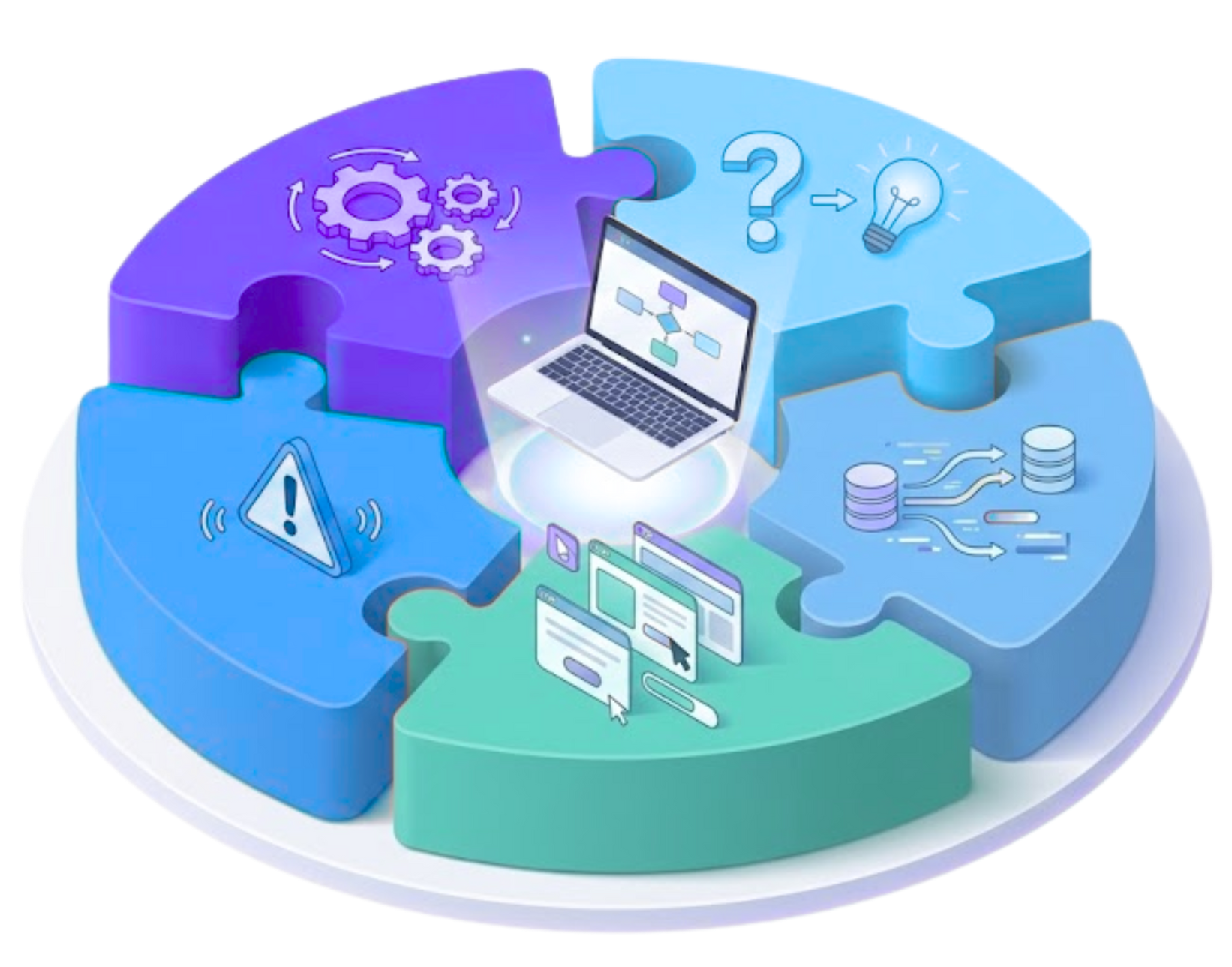
Functional understanding goes beyond knowing which SuiteScript APIs to call or how to structure a Map/Reduce. It's about grasping the complete picture before writing a single line of code.
When engineers have functional understanding, they know:
- The business process they're automating or improving
- The pain points that prompted this development work
- The user workflow and how people actually interact with the system
- The data flow from creation through transformation to final state
- The "why" behind every requirement, not just the "what"
This context transforms engineers from code executors into solution architects.
Why Most Teams Skip This Step (And Pay For It Later)
Most onboarding follows a familiar pattern: "Here's the repo. Here's your first ticket. Good luck."
Engineers jump straight into technical implementation without understanding the business problem they're solving. The result? Code that technically functions but misses the functional mark.
The Real Cost of Skipping Functional Context
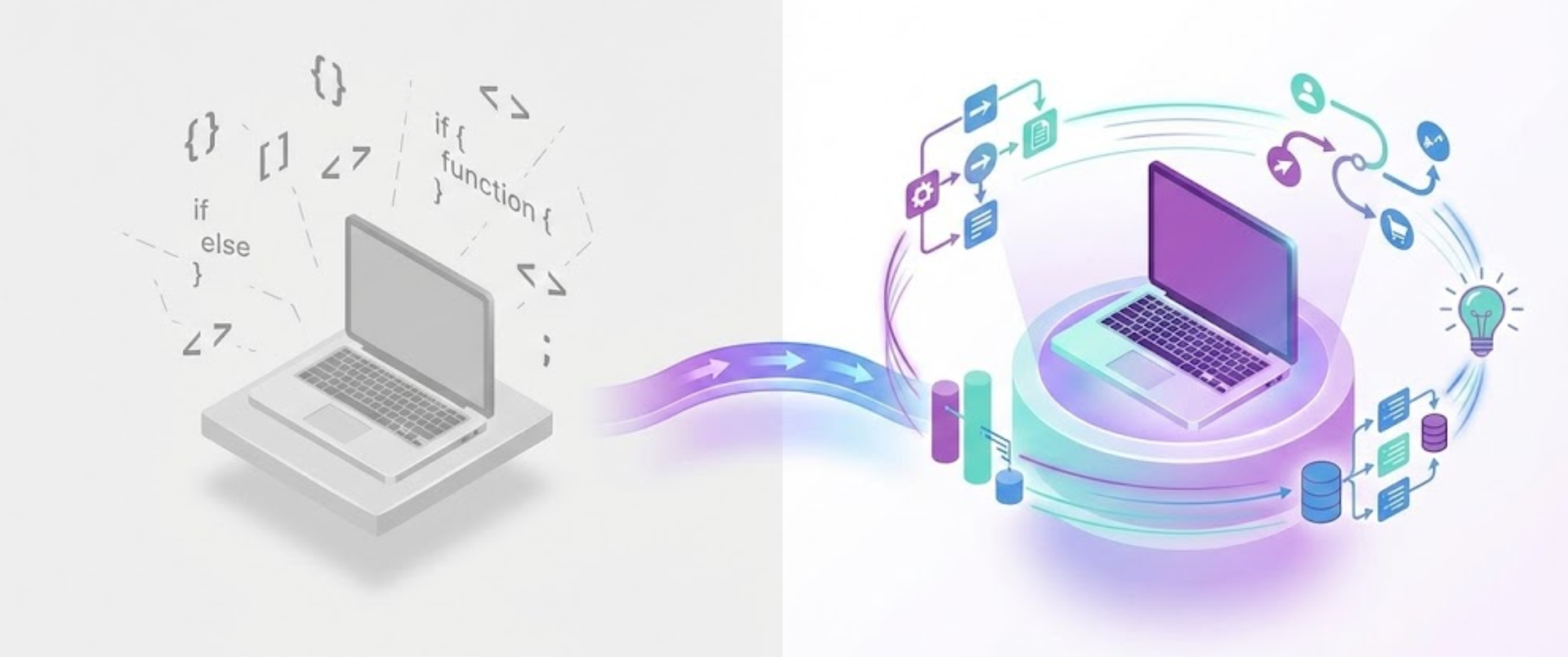
| Without Functional Understanding | With Functional Understanding |
|---|---|
| Overengineering simple processes | Right-sized solutions for actual needs |
| Missing critical edge cases | Anticipating real-world scenarios |
| Unable to prioritize bugs effectively | Distinguishing critical vs. cosmetic issues |
| Code aligned to specs, not user behavior | Solutions that match actual workflows |
| Constant clarification cycles | Confident, informed decision-making |
When engineers guess at functionality, you get patchy logic, misaligned assumptions, and PR comments like: "This works, but this isn't how the user flow actually works."
How to Build Functional Understanding Into Your Development Process
1. Start With the Actual Workflow
Before opening the code editor, walk through the real business process step by step.
Example: If you're building AP automation logic in NetSuite, start with:
- How invoices actually arrive in the system
- What users currently do manually
- Where delays consistently occur
- Where errors most commonly happen
- Why automation became necessary
- What "success" looks like to the business
The technical architecture becomes clearer after understanding the workflow.
2. Identify Functional Pain Points
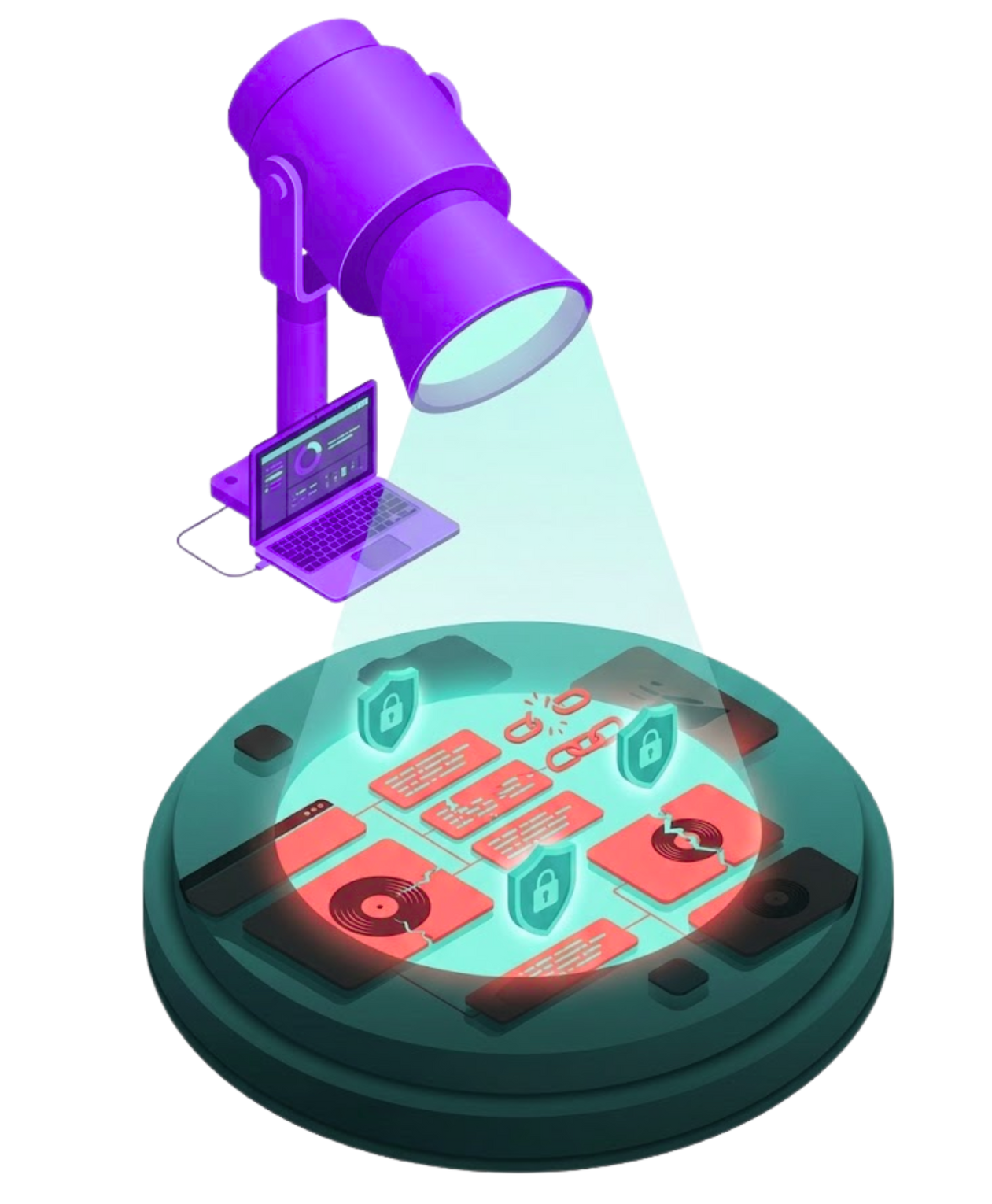
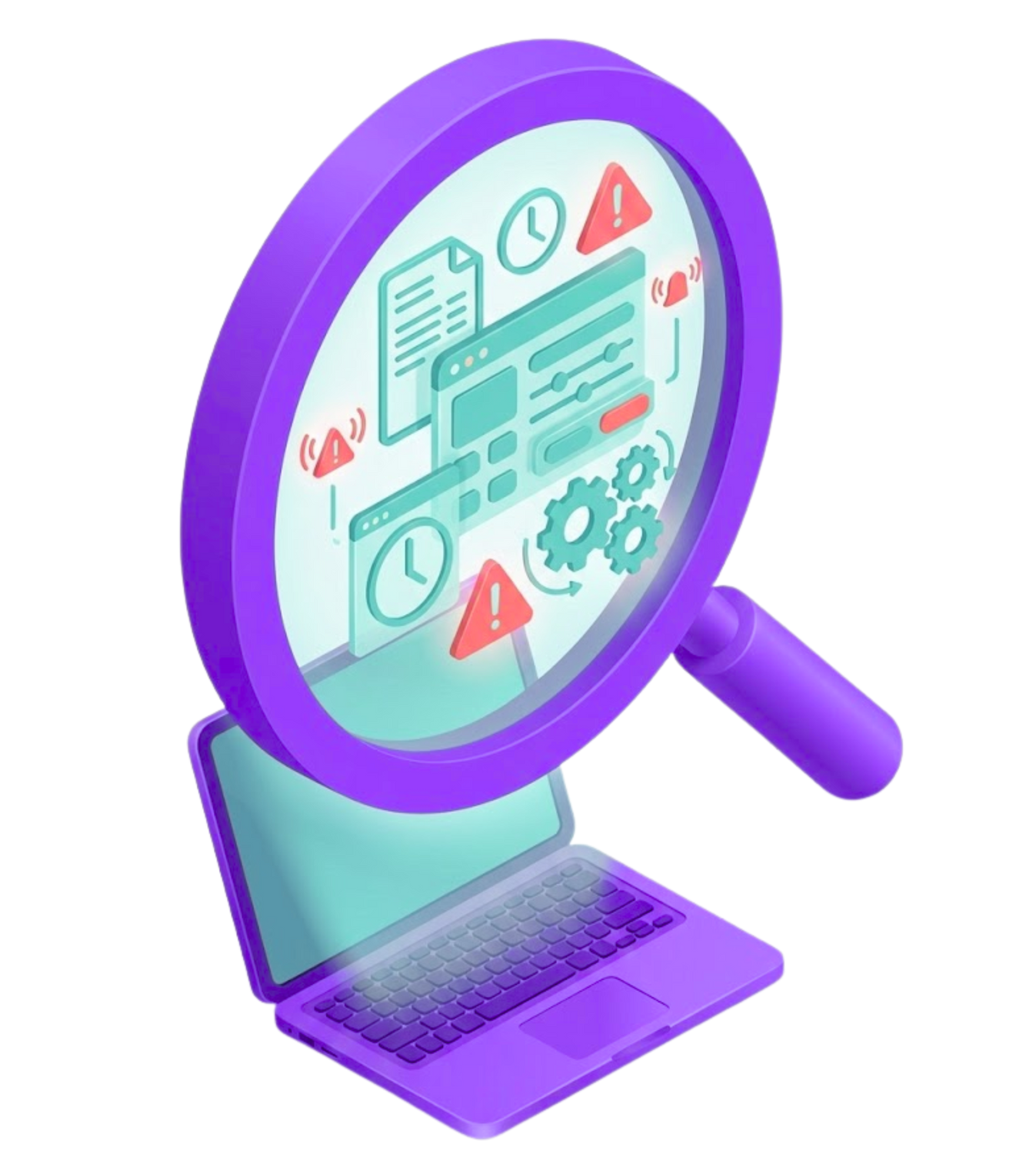
Engineers need to know which aspects of the process are fragile and why.
Key questions to answer:
- Which data fields cause the most problems?
- Which records break most easily?
- Which validations can never be skipped?
- Which edge cases actually matter to the business?
Functional pain points directly shape technical design decisions.
3. Show the System From the User's Perspective
Don't just describe the process. Show real screens, real fields, and real interactions.
Walk through:
- What users actually click
- What data they expect to see at each step
- Which fields they consistently forget to fill in
- Which workflow steps cause the most confusion
When engineers can imagine being the user, they write better validations, clearer error messages, and more intuitive UX.
4. Map the Complete End-to-End Scenario
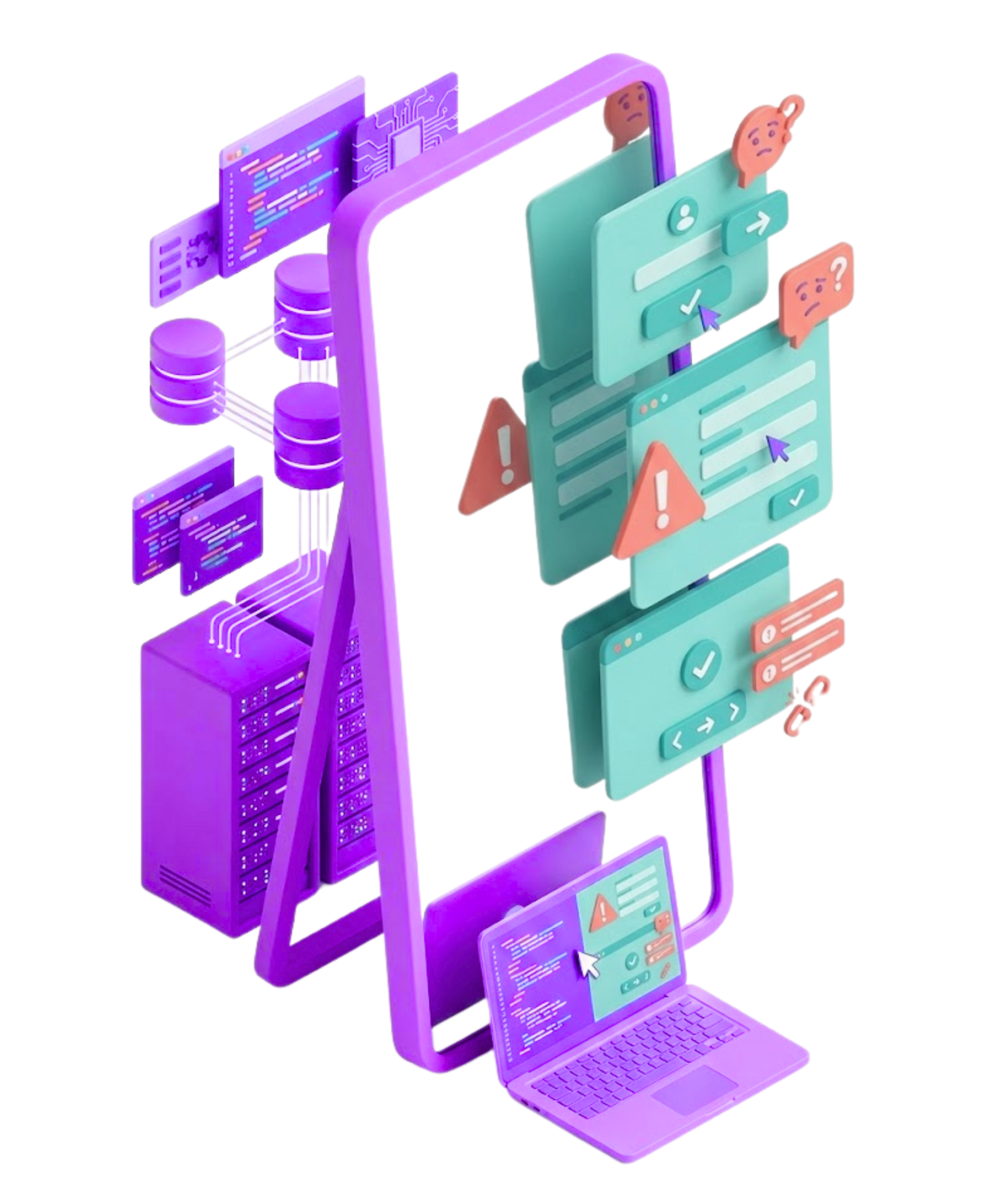
For every feature, trace the full journey:
- Where does the data originate?
- How does it flow through the system?
- Which scripts fire at each stage?
- Which records get created or updated?
- Which APIs get called?
- How does the cycle complete?
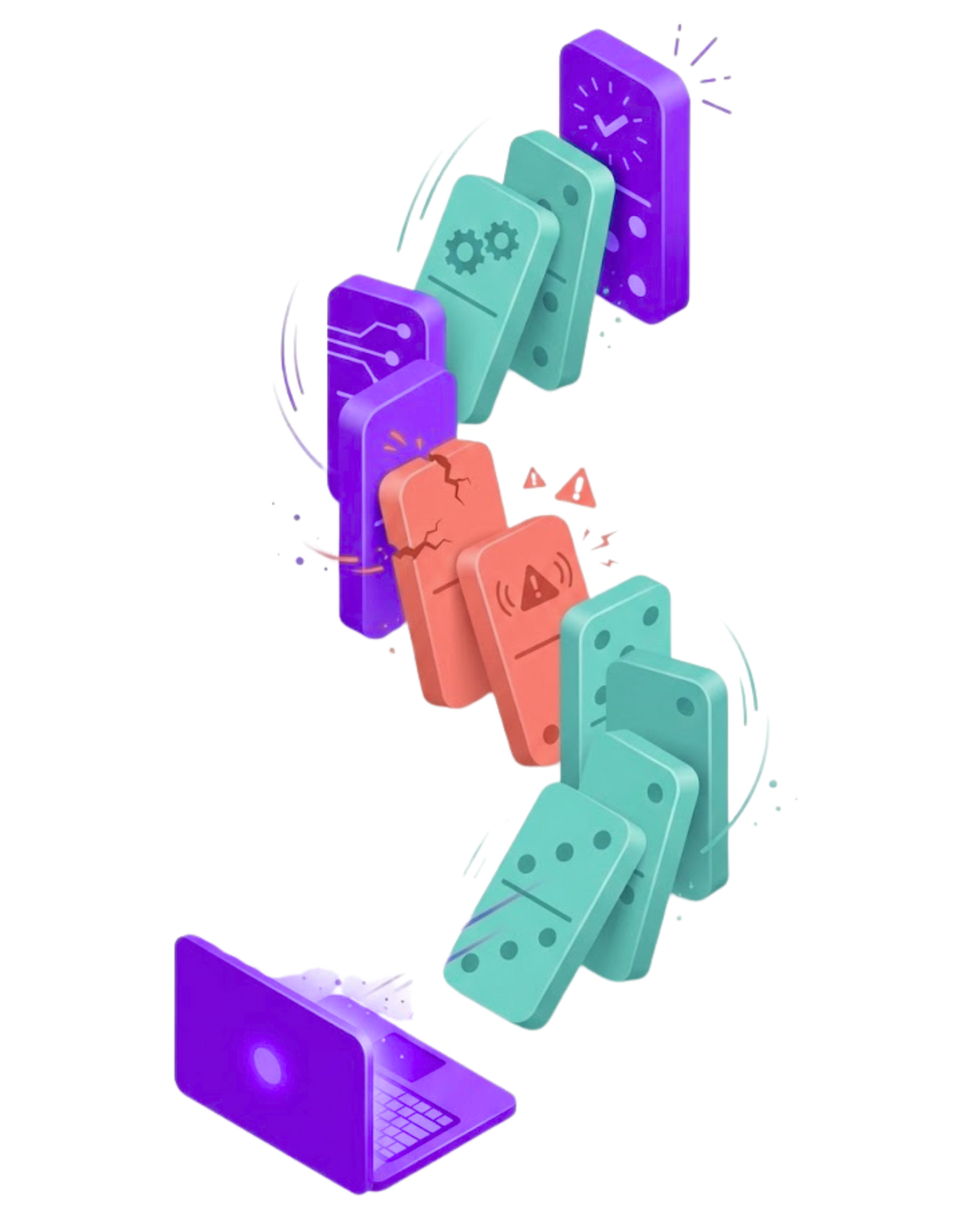
This prevents the classic developer surprise:
"I didn't know this part triggers another script downstream..."
The Right Sequence: Functional First, Technical Second
Only after establishing functional understanding should teams move into:
- Architecture patterns and design decisions
- Clean code standards and conventions
- Folder structure and organization
- Testing strategies and coverage
- PR expectations and review process
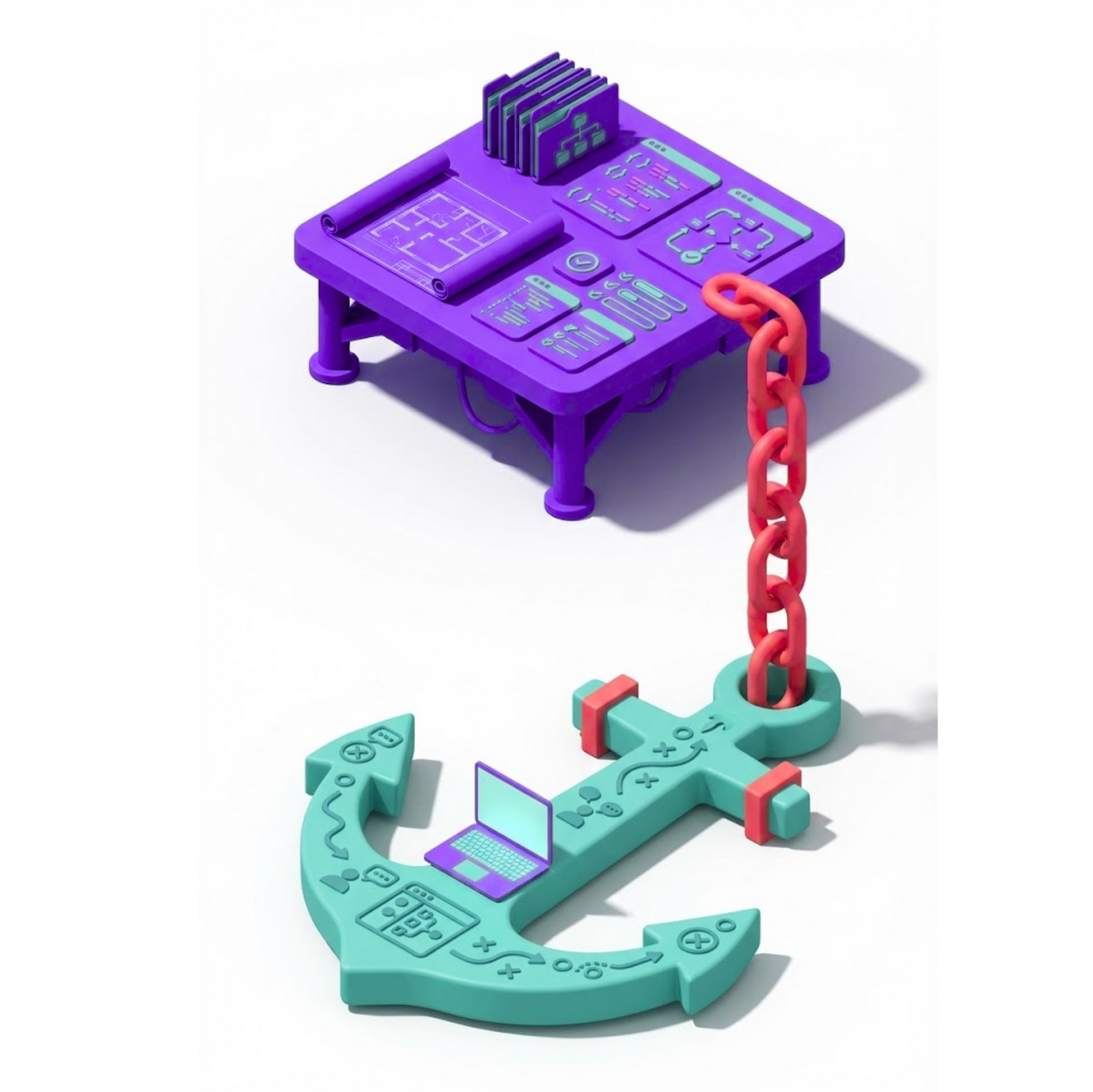
Functional understanding serves as the anchor. Every technical decision makes more sense when grounded in a business context.
What Changes When Teams Prioritize Functional Understanding
Engineers who understand what they're coding for naturally write code that's:
- Aligned with actual business needs
- Thoughtful about real-world usage patterns
- Maintainable by others who understand the same context
- User-friendly because it anticipates actual behavior
- Future-proof through informed architectural choices
Code without functional understanding is just syntax. Code with functional understanding becomes a solution.


Building This Into Your Team Culture
Functional understanding isn't just about individual onboarding—it's a team capability that compounds over time.
Key practices that reinforce functional understanding:
- Document business context alongside technical specs
- Include functional walk-throughs in sprint planning
- Make business stakeholders accessible to developers
- Celebrate solutions that elegantly match business needs
- Share functional insights during code reviews
When the entire team operates with functional clarity, collective knowledge grows and silos disappear.
Let's Talk About Your NetSuite Development Approach
Building functional understanding into your development process transforms how your team operates. At ATSOURCE, we help NetSuite development teams build this capability systematically through structured onboarding, knowledge-sharing practices, and development processes that prioritize understanding before implementation.
Contact ATSOURCE
to discuss how we can help your team develop deeper functional understanding that translates into better NetSuite solutions.

Meet the Author
Jona has over a decade of experience in SuiteCloud Development on the NetSuite platform. She specializes in implementing advanced solutions and has led teams in creating high-quality software. Jona holds multiple certifications and has been recognized with awards like the Summit Award and Quality Champion Award.
Tags
Accelerate ERP Success with Expert Solutions
Ready to put what you've learned into practice? ATSOURCE delivers both the specialized talent and comprehensive NetSuite support you need to turn strategy into results.Connect with our experts today and move from planning to performance.